App Store
 Google Play
“I was nervous about the first call. After a couple of minutes we were just chatting.”
 Marco
MarcoStart a video call, share one link, and let each person speak their own language. Bridgecall gives you real-time video call translation with translated voice and subtitles in the browser.
For the conversations that matter.
“I was nervous about the first call. After a couple of minutes we were just chatting.”
Marco“Little things get lost in texts. It’s nice to hear him laugh while we talk.”
 Anita
Anita“Neither of us speaks the other’s language very well, but we still managed a proper catch-up.”
 James
James“The subtitles help when I miss something. I can glance down and keep listening.”
 Maya
Maya“We used to type everything into a translator. Now we just use Bridgecall. It’s a lot easier.”
“女儿住在国外,说英语更自在。我说中文,用这个软件就能轻松和她聊天了。”
 Mei
Mei“My friend’s in Spain. My Spanish is pretty bad. We tried Bridgecall and, yeah, had a really nice chat.”
“Honestly, I just wanted to ask how her day was without copying every sentence into another app.”
 Daniel
“Antes tardábamos un montón escribiendo. Ahora hablamos y ya. Se siente mucho más cercano.”
 Lucía
Lucía“I used to give up and send a short message. Now we actually have things to talk about.”
 Alex
AlexCreate the link, invite the other person, and let Bridgecall handle translated voice and subtitles live in the call.


“It is so good to see you”“Qué bueno verte”
Choose your language, decide how translations should appear, and copy the invite link.
The other person opens the link on phone or desktop with no app install and no setup maze.
Each person speaks their own language while Bridgecall delivers translated voice, subtitles, or both in real time.
They talk, you understand. Translated voice speaks for them while live subtitles follow every word.
Create your video call linkOne link. No app install. Invite anyone to join in browserNo app install
Bridgecall can speak translations in your own voice, so the other person hears you—not a generic voice.

Your guest taps the link and they are in. No app, no account, nothing to install. The same call works one-on-one or with a small group, everyone speaking their own language.
 AikoSarahMarco
 João
João
Your guest taps the link and they are in. No app, no account, nothing to install.
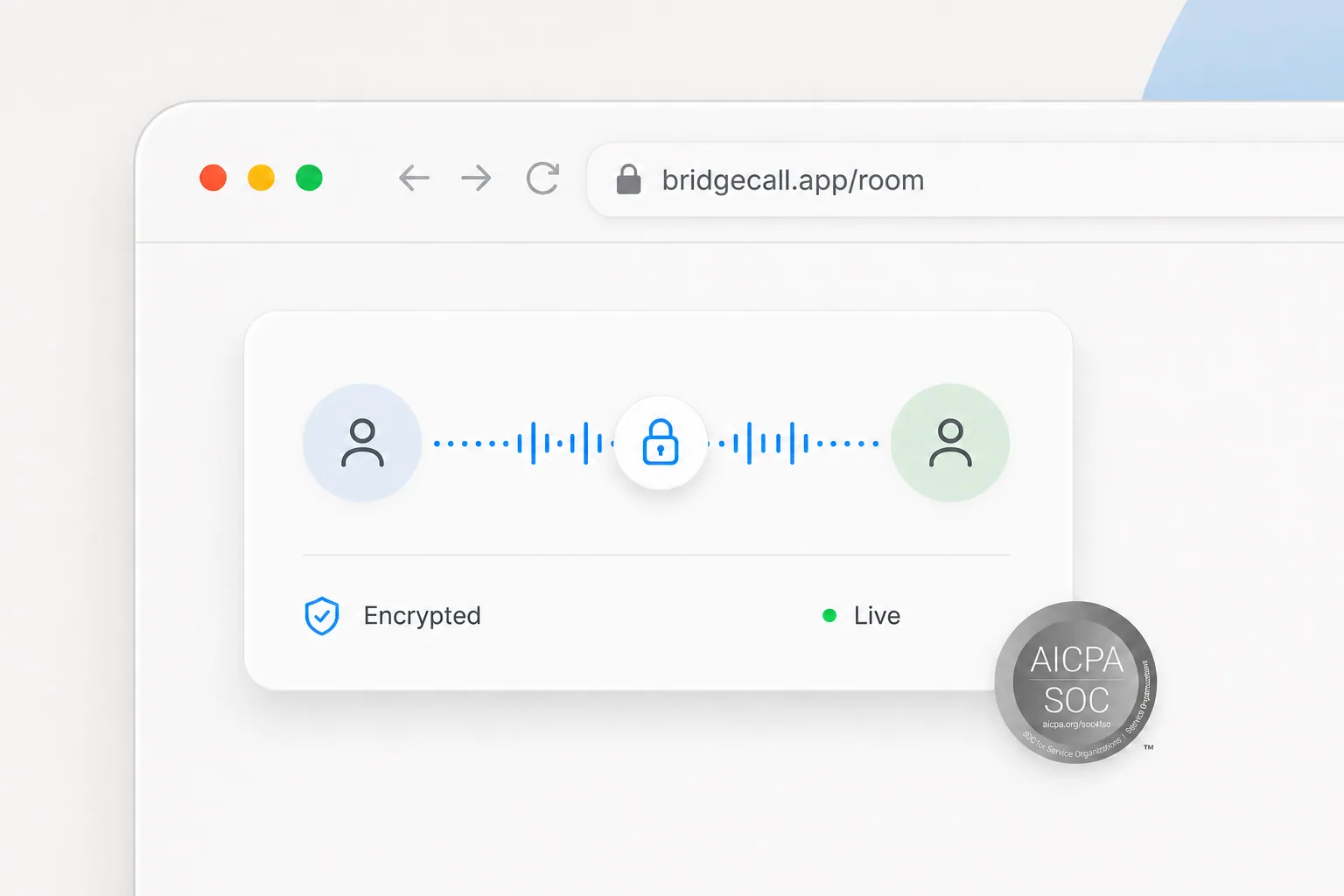
Live infrastructure keeps translated voice and subtitles moving. Calls are end-to-end encrypted on SOC 2-compliant infrastructure. Audio is processed live for translation and never stored.
Use Bridgecall when you want video call translation that feels simple enough for parents, partners, and relatives abroad.
For multilingual teams, support calls, and recurring group conversations, see our meeting translation services.
If you are evaluating other platforms, start with our Wordly alternative page and compare the workflow from there.
Simple monthly plans based on how much video call translation you expect to use.
For occasional calls
Get startedFor regular calls
Get startedFor longer conversations
Get startedNeed more? Add 100 minutes for $19. Unused top-up minutes carry over.
Video call translation lets each person speak their own language during a call while Bridgecall delivers translated voice, subtitles, or both in real time.
You start the call, share one link, and let each person choose their language. Bridgecall listens, translates, and plays or shows the translation during the live call.
No. The other person opens your link in their browser, on phone or desktop, and joins the video call instantly. Nothing to download.
Translation happens in about one second after you finish a sentence. The call keeps flowing at natural conversation speed.
Yes. Each person can speak their own language during the call while Bridgecall translates the conversation for the other side in real time.
Yes. Bridgecall supports translated voice, on-screen subtitles, or a mixed mode depending on how you want to follow the conversation.
Bridgecall supports over 50 languages for real-time video call translation, including Spanish, French, Portuguese, Arabic, Mandarin, Hindi, and more.
Both. People use it for family calls, long-distance relationships, support conversations, multilingual meetings, and practical everyday calls.
Web plans start at $15 per month for 100 translated minutes. You pay when you start your plan, and it renews automatically until canceled. Guests join for free. Existing trials keep their original terms.
The Plus plan includes 600 translated minutes per month. It is built for people who rely on video call translation regularly.
One link, no app, translated voice and subtitles. Speak your language and be understood.